
FREE PLAY
The ocarina, note by note.
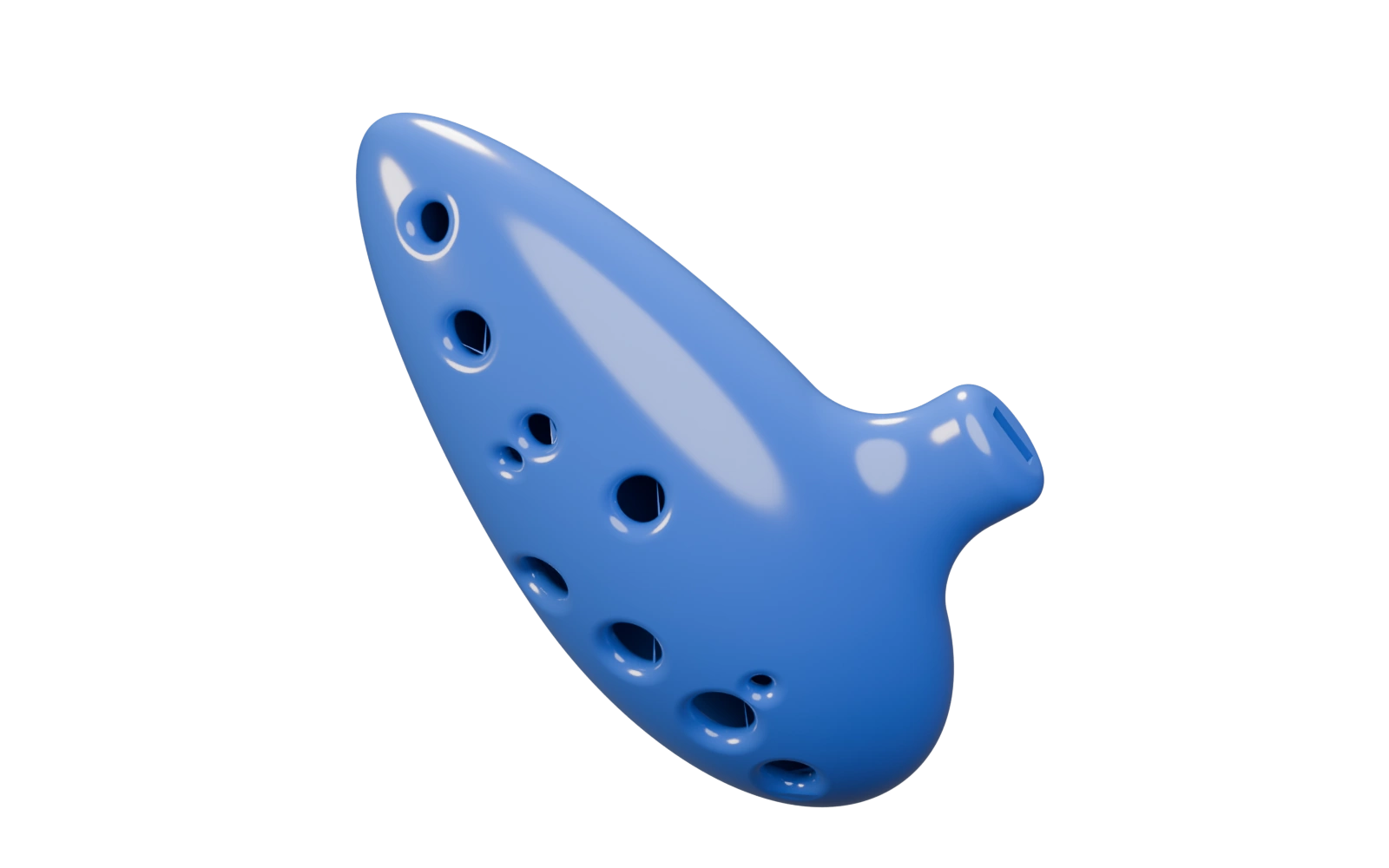
Hold a note. See which holes to cover, then turn the instrument over to check your thumbs.
L = left hand · R = right hand · T = thumb
1 = index · 2 = middle · 3 = ring · 4 = little finger
Illustrative 3D model. Fingering reference: 12-hole Bass C.
See the full fingering chart
The fingering, hole by hole.
Left and right name your hands while you hold the instrument.
Hold a note to see which holes to cover.
Left hand
- Index fingerAt rest
- Middle fingerAt rest
- Ring fingerAt rest
- Little fingerAt rest
- Middle fingerSubhole · middle fingerOpen
- ThumbAt rest
Right hand
- Index fingerAt rest
- Middle fingerAt rest
- Ring fingerAt rest
- Little fingerAt rest
- Middle fingerSubhole · middle fingerOpen
- ThumbAt rest
Play a note. See the fingering.
Fingering reference: 12-hole Bass C
Sound is off.
Enable sound, then hold A or an arrow key. You can also hold a note on the screen.
Hold to play. Release to stop.
- AD4
- →A4
- AD4
- ↓F4
- AD4
- →A4
Pitch reference: A4 = 440 Hz. Five notes: D4, F4, A4, B4 and D5.
About the sound and fingering
Sound is synthesized in your browser at A4 = 440 Hz. No game recording, MIDI file or preloaded Nintendo melody is used.
Fingering follows a 12-hole Bass C chart. The 3D model illustrates the instrument; it is not a calibrated replica.
Sources & credits ↗